


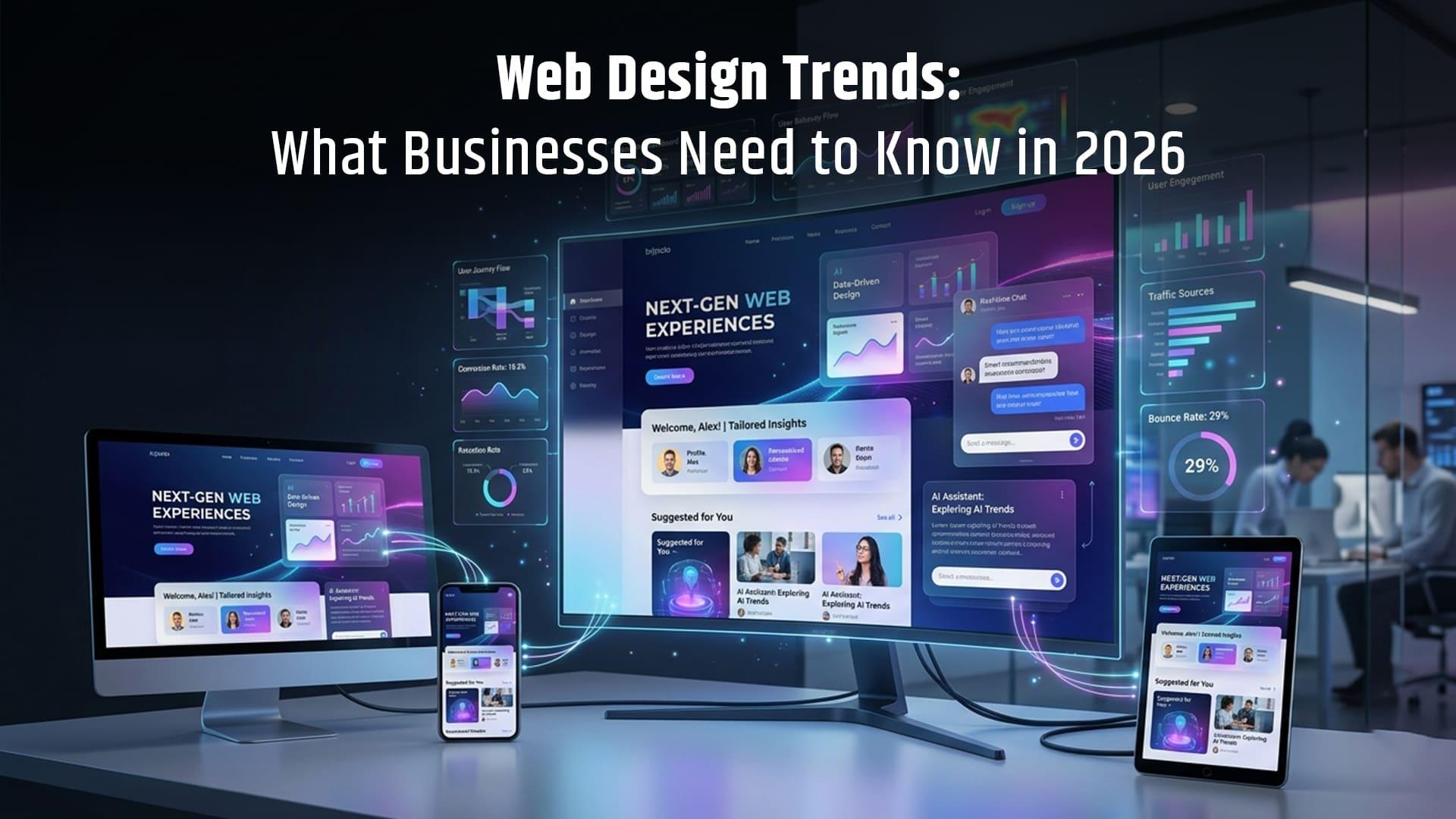
15 Web Design Trends in 2026: What Businesses Need to Know
Web design is evolving beyond attractive layouts and eye-catching colors. In 2026, businesses need websites that combine distinctive branding, smooth user experiences, mobile responsiveness, accessibility, and strong performance.
From AI-powered website features and immersive visuals to bold typography and conversion-focused layouts, modern web design is changing how businesses connect with customers online.
For businesses planning a new website or redesign, understanding these trends can help guide smarter design decisions.
In this guide, we explore 15 web design trends in 2026, explain how they work, and share practical ways to use them without compromising website usability or performance.
What Are the Top Web Design Trends in 2026?
The major web design services trends in 2026 include AI-powered personalization, immersive 3D visuals, bold typography, expressive color palettes, microinteractions, mobile-first layouts, accessible design, and performance-focused development.
The common theme is creating memorable digital experiences while making websites easier to navigate, understand, and use.
1. AI-Powered Website Experiences
Artificial intelligence is becoming part of the website experience, helping businesses deliver more personalized interactions and useful customer support.
AI-powered chatbots, intelligent search, and personalized content recommendations can help visitors find relevant information without navigating multiple pages.
How businesses can use AI in web design
- Add chatbots to answer frequently asked questions.
- Recommend relevant services or products based on user needs.
- Improve website search and content discovery.
- Use AI tools to support design research and content planning.
AI should support the visitor’s journey rather than interrupt it. Businesses should also make it clear when customers are interacting with automated systems.
2. Immersive 3D Elements and Interactive Visuals
Three-dimensional elements can make websites feel more engaging by adding depth, movement, and visual context.
Product websites can use interactive 3D models to show different angles, while architecture and real estate websites can use immersive visuals to help visitors explore spaces.
However, 3D design should serve a clear purpose.
Best practices for 3D web design
Use lightweight models, provide mobile-friendly alternatives, and avoid unnecessary animations that slow down the page.
For many business websites, a carefully selected 3D visual can communicate more effectively than a complex interactive experience.
3. Bold Typography and Oversized Headlines
Typography is becoming a central part of website branding. Large headlines, expressive fonts, and strong text hierarchy can help businesses communicate their message quickly.
A clear headline also helps visitors understand what a business offers before they begin scrolling.
How to use bold typography effectively
- Use one clear headline to communicate the main value proposition.
- Pair expressive headings with readable body text.
- Maintain consistent font styles across pages.
- Check text size and line spacing on mobile devices.
The goal is to make important information stand out without making the website difficult to read.
4. Vibrant Colors and Expressive Gradients
Color palettes are becoming more expressive, with designers using vibrant combinations, gradients, and contrasting accents to create distinctive brand identities.
A technology company might use electric blue and violet gradients, while a creative business may use warmer colors to communicate personality.
What makes a color palette effective?
An effective palette supports brand recognition, creates visual hierarchy, and maintains sufficient contrast between text and backgrounds.
Businesses should choose colors based on their brand identity and audience rather than adopting every popular color combination.
5. Microinteractions That Improve User Experience
Microinteractions are small visual or functional responses that occur when visitors interact with a website.
Examples include a button changing appearance when clicked, a form displaying a confirmation message, or a navigation menu responding smoothly to user input.
These small details provide feedback and help visitors understand what is happening.
Examples of useful microinteractions
- Button hover and active states.
- Form validation and submission feedback.
- Shopping cart updates.
- Expandable FAQs.
- Loading indicators for interactive features.
Microinteractions work best when they make an action clearer. Excessive motion can distract users and create accessibility problems.
6. Mobile-First Responsive Web Design
Mobile-first design starts with the smallest screens and builds toward larger devices.
This approach encourages designers to prioritize essential information, simple navigation, readable text, and easy-to-use buttons.
Responsive web design then adapts the layout to different screen sizes, including smartphones, tablets, laptops, and desktop monitors.
Why mobile-first design matters
Visitors should be able to understand a service, read important information, and complete a conversion action without struggling with the layout.
Businesses should test their websites on real mobile devices, not just rely on desktop previews.
7. Minimalism With a Strong Visual Identity
Minimalist design remains useful, but modern minimalism does not have to mean generic templates or empty-looking pages.
Businesses can combine simple layouts with distinctive typography, carefully selected imagery, and clear brand elements.
The result is a website that feels organized while still reflecting the company’s personality.
How to create a distinctive minimalist website
Focus on one primary message per section, use whitespace to separate content, and avoid adding decorative elements that do not support the user journey.
8. Dark Mode and Dark Website Interfaces
Dark interfaces use darker backgrounds with lighter text and contrasting visual elements.
They can suit technology companies, creative agencies, gaming brands, and products where a dark visual identity supports the brand.
Dark mode is not automatically better for every audience or website.
Dark mode design considerations
- Maintain strong text contrast.
- Make links and buttons easy to identify.
- Ensure images and icons remain visible.
- Test readability across different screens.
- Consider offering a light and dark theme when appropriate.
The most important factor is readability, not simply using a dark background.
9. Card-Based Layouts and Modular Sections
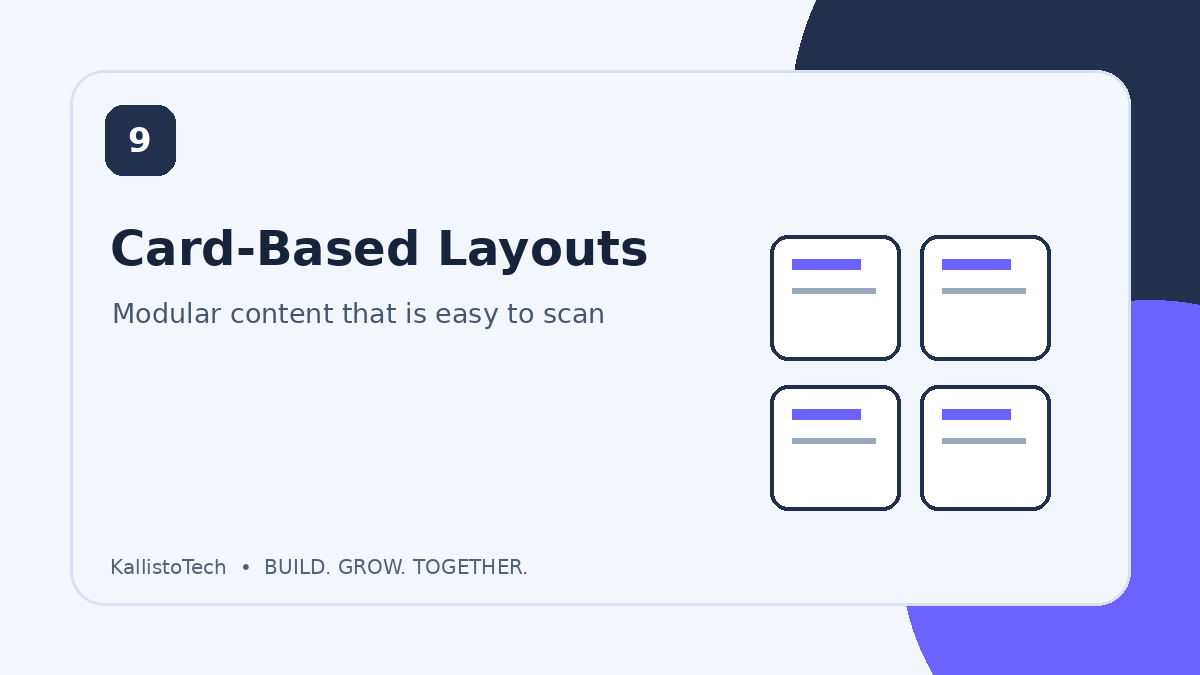
Card-based design organizes information into separate visual blocks. Each card can present a service, product, feature, article, or customer benefit.
This layout makes it easier for visitors to scan content and compare available options.
Where card-based layouts work well
- Service pages.
- Product collections.
- Blog archives.
- Case studies.
- Feature comparison sections.
Use consistent spacing, clear headings, and concise descriptions to keep card layouts organized.
10. Scrolling Animations and Parallax Effects
Scrolling animations can reveal information gradually as visitors move through a page.
Parallax effects create an impression of depth by moving background and foreground elements at different speeds.
These techniques can support storytelling, product demonstrations, and creative landing pages.
When should businesses use parallax scrolling?
Use it when it adds context or helps explain a product or service. Avoid excessive movement, especially on mobile devices, and respect users’ reduced-motion preferences.
Important information should remain accessible even when animations are disabled.
11. AI-Assisted Design and Faster Prototyping
AI-assisted design tools can help designers explore layout ideas, generate early concepts, and create prototypes more efficiently.
They can also support brainstorming and help teams test different visual directions before committing to a final design.
However, AI-generated concepts still require human review.
Designers need to check brand consistency, usability, accessibility, content accuracy, and technical feasibility before publishing a website.
12. Accessibility-Focused Website Design
Accessible web design helps people with different abilities use and understand a website.
It includes readable text, keyboard navigation, clear form labels, meaningful alternative text, and appropriate color contrast.
Accessibility also improves the experience for visitors using different devices or browsing conditions.
Essential accessibility practices
- Use logical heading structures.
- Provide descriptive labels for forms.
- Make interactive elements keyboard accessible.
- Add meaningful alt text to informative images.
- Avoid communicating information through color alone.
- Provide captions or transcripts for relevant media.
Accessibility should be considered from the beginning of the design process rather than added as an afterthought.
13. Conversion-Focused Landing Page Design
A website should not only look attractive. It should help visitors understand what a business offers and decide what to do next.
Conversion-focused design places important information and actions where visitors can find them naturally.
Elements of an effective landing page
- A clear headline explaining the offer.
- Supporting content describing the benefits.
- Relevant images or examples.
- Trust signals, such as testimonials or case studies.
- A clear call to action.
- A simple inquiry or contact form.
For service businesses, the goal may be a consultation request, phone call, quote request, or contact form submission.
The right conversion action depends on the business model and customer journey.
14. Website Performance as a Design Priority
Visual design and website performance should work together.
Large images, unnecessary scripts, excessive animations, and poorly optimized layouts can make a website feel slow or difficult to use.
Performance should be considered during design and development, not only after launch.
How to improve website performance
- Compress and properly size images.
- Use modern image formats where appropriate.
- Reduce unnecessary scripts and plugins.
- Optimize fonts and other page resources.
- Test important pages on mobile connections.
- Monitor Core Web Vitals and real user experience.
A visually impressive website is more useful when visitors can access and navigate it efficiently.
15. SEO-Friendly and AI-Search-Ready Website Structure
Website design affects how visitors and search engines understand content.
A logical page structure, descriptive headings, clear navigation, and useful internal links help organize information.
As AI-powered search experiences become more common, businesses should also make their content easy to interpret and extract accurately.
How to design a search-friendly website
- Use descriptive page titles and headings.
- Organize content with a logical H1, H2, and H3 hierarchy.
- Create dedicated pages for important services.
- Use descriptive internal links.
- Add relevant structured data when appropriate.
- Keep important information available as crawlable text.
- Provide direct answers to common customer questions.
No design or schema technique guarantees inclusion in AI-generated answers. The priority should be useful, accessible, well-structured content that accurately explains the business.
Which Web Design Trends Should Your Business Prioritize?
Not every business needs every trend. The right approach depends on the website’s purpose, audience, budget, and technical requirements.
Business typeDesign approaches to considerLocal service businessesMobile-first layouts, clear calls to action, accessible formsTechnology companiesInteractive product demonstrations, bold typography, AI supportE-commerce websitesProduct visuals, card layouts, streamlined checkoutCreative agenciesDistinctive typography, expressive colors, purposeful motionProfessional servicesReadable layouts, trust signals, simple navigation
Start with the improvements that address real customer needs. Add more advanced visual features when they contribute to a clearer or more useful experience.
How to Implement Modern Web Design Trends Without Hurting SEO
A website redesign should improve the experience without creating avoidable technical or search visibility problems.
Follow these practical steps:
Step 1: Audit your existing website
Review page speed, mobile usability, navigation, conversions, and current organic search performance.
Identify which pages attract traffic and which sections need improvement.
Step 2: Understand your target audience
Consider what visitors are looking for, what questions they ask, and which actions matter most to your business.
Use these insights to guide layout and content decisions.
Step 3: Plan your website structure
Create a clear navigation system and organize pages around your main services, products, and customer needs.
Make sure important pages are easy to discover.
Step 4: Design and test prototypes
Test headlines, page layouts, buttons, forms, and navigation before launching the redesigned website.
Gather feedback from users when possible.
Step 5: Optimize technical performance
Review image sizes, scripts, responsive behavior, accessibility, and Core Web Vitals.
Avoid adding design features that create unnecessary performance problems.
Step 6: Monitor results after launch
Use Google Analytics, Google Search Console, and appropriate behavior analytics tools to monitor traffic, engagement, conversions, and technical issues.
Compare performance against your pre-redesign baseline and make improvements based on actual results.
Frequently Asked Questions About Web Design Trends
What are the biggest web design trends in 2026?
Major web design trends in 2026 include AI-powered experiences, immersive 3D visuals, bold typography, expressive colors, microinteractions, mobile-first layouts, accessible design, and performance-focused development.
Is AI important in modern web design?
AI can support website design through personalized experiences, chatbots, intelligent search, and faster design prototyping. Its usefulness depends on how well it addresses customer needs.
Does modern web design help SEO?
Modern web design can support SEO when it improves mobile usability, website performance, navigation, accessibility, and content structure. A redesign alone does not guarantee higher rankings.
Are animations good for website design?
Animations can provide feedback, explain interactions, and support storytelling. They should be purposeful, lightweight, and usable for visitors who prefer reduced motion.
How often should a business redesign its website?
There is no fixed redesign schedule. Businesses should review their websites regularly and consider a redesign when branding, usability, technology, performance, or business goals change significantly.
What makes a website user-friendly in 2026?
A user-friendly website is easy to navigate, readable on different devices, accessible, fast enough for its intended audience, and clear about what visitors can do next.
Should small businesses follow every web design trend?
No. Small businesses should focus on improvements that serve their customers and business goals. Clear messaging, responsive layouts, accessible design, and useful calls to action are practical starting points.
Final Thoughts
Web design in 2026 is about finding the right balance between creativity, usability, performance, and business objectives.
AI tools, immersive visuals, expressive typography, and interactive elements can help a website stand out. But they are most effective when supported by clear messaging, accessible layouts, and a thoughtful user journey.
Businesses should evaluate each trend based on what it contributes to the customer experience rather than adopting it simply because it is popular.
Build a Modern Website With KallistoTech
Looking to create a website that reflects your brand and supports your business goals?
KallistoTech can help you explore website design and development solutions tailored to your needs. From improving your existing website to planning a new digital experience, a clear strategy can help you build a stronger online presence.
Ready to discuss your website project?
Visit KallistoTech to learn more about its web design and APP and Software development services and discuss your business requirements.
Call us:- (813) 575-2525
Email:- contact@kallistotech.com


